I Spent Weeks Getting OpenClaw Running on a Server. Then I Automated All of It.
I have a personal rule: if I spend more than two evenings fighting the same dev problem, I either fix it properly or automate my way out of it.
OpenClaw broke that rule badly. I spent the better part of a week getting it running cleanly: a VPS on DigitalOcean, Node.js, systemd, firewall rules, API keys, the right channel tokens, and a config file that took three debugging sessions to get right. And that was for one bot. The second time around, I decided to build ClawCloud instead.
What the OpenClaw install process actually looks like
If you've tried openclaw setup or openclaw install yourself, you know the gap between the README and reality. The official docs are thorough — they assume you're already comfortable with a Linux terminal, understand systemd services, and know how to debug Node.js errors. Most people who want an AI chatbot running on Telegram are not in that category.
The common failure points:
- API key not recognized. You paste the key correctly, the config looks right, and OpenClaw still complains. Turns out the model needs to be defined as an object, not a string.
- Channel token issues. Telegram and Discord have slightly different token formats, and a single wrong character can cause the bot to silently fail to connect.
- No daemon by default. If you close your SSH session, the bot stops. Setting up a user-level systemd service with linger enabled is a whole thing most guides skip.
- Token burn. Default settings can send verbose responses. I watched a test install burn through $20 in API credits in a couple of hours.
This isn't really an OpenClaw problem. The software works. The issue is that running it properly requires server admin knowledge that most developers who want a personal AI bot just don't have. And re-doing all of it for a second or third bot isn't something anyone wants to do.
What ClawCloud does
ClawCloud is managed hosting for OpenClaw. The entire installation and configuration process I described above is done automatically when you deploy.
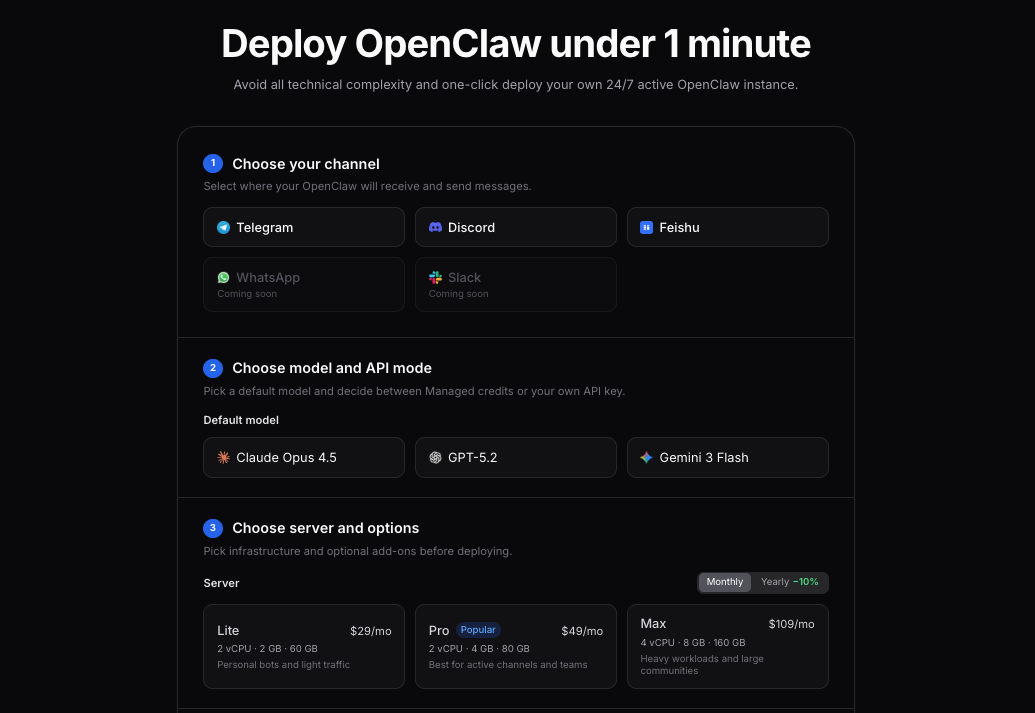
You go through a three-step wizard: pick a plan, connect a messaging channel (Telegram, Discord, or Feishu/Lark), and configure your AI model. That's it. Your bot is live in under two minutes.
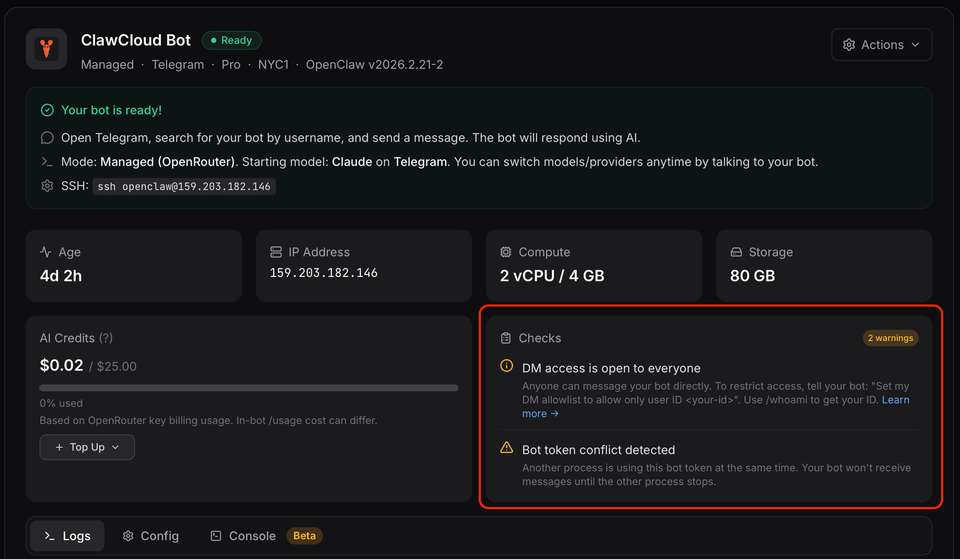
Behind that wizard, ClawCloud provisions a dedicated server, installs OpenClaw, sets up the daemon, configures the firewall, writes the channel and model configs, and hands you a dashboard to see your bot's status. None of the manual steps exist from your perspective.
The managed AI piece
One thing I specifically wanted to get right: no API key management for users who don't want it.
By default, ClawCloud handles the AI provider connection. You pick Claude, GPT, or Gemini in the wizard, and your bot gets a working AI backend. No OpenAI account, no Anthropic dashboard, no separate tracking API billing.
Each plan comes with monthly AI credits routed through OpenRouter, which supports all three model families from a single endpoint:
| Plan | Monthly price | AI credits |
|---|---|---|
| Lite | $29 | $8 |
| Pro | $49 | $25 |
| Max | $109 | $60 |
Lite defaults to cost-efficient models (GPT-4.1 Mini, Gemini 2.5 Flash). Pro and Max default to the flagship variants since the credit pools support it. Claude is Sonnet 4 across all plans.
If you already have API keys and want to use your own, that's a BYOK option in the wizard. ClawCloud doesn't track or limit usage in that case.
Channels supported
Right now: Telegram, Discord, and Feishu/Lark. WhatsApp is in the roadmap, but not live.
Feishu/Lark was an interesting one to add — it connects via WebSocket rather than polling, so it doesn't need a public URL. ClawCloud handles the app credentials and the WebSocket connection automatically, same as the other channels.
For Telegram and Discord bots, you need a bot token before you deploy. Getting that token takes about five minutes — there are guides on the ClawCloud site for Telegram and Discord. For Feishu/Lark, some extra steps are required. This Feishu guide covers all the required setup.
Dashboard and credit tracking
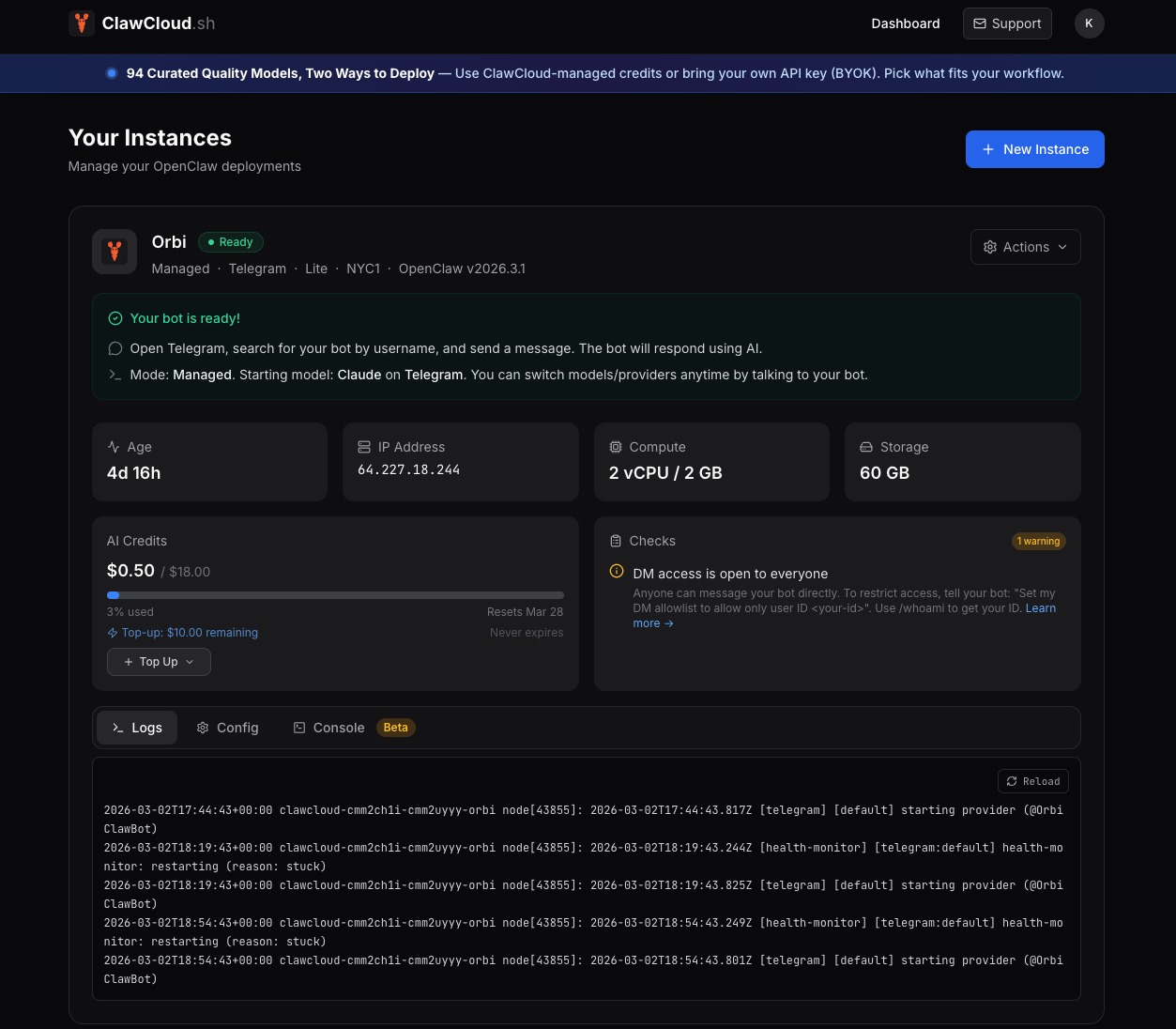
The dashboard shows instance status, recent activity, and a credit usage bar per instance. When an instance is provisioning, it polls automatically. Once the bot is live, you get a stable view of what's running.
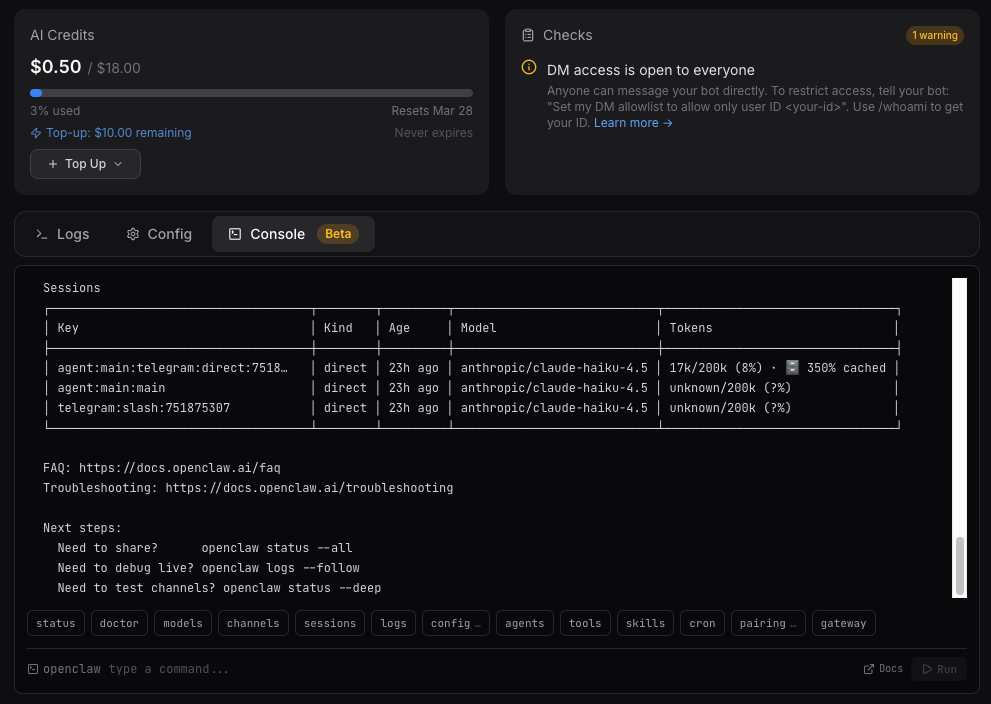
Credits reset at the start of your billing cycle. If a bot hits the credit limit mid-cycle, the dashboard flags it and shows a guide to switch to a free fallback model. Not elegant, but it's honest — no silent failure without explanation.
Top-up credit packs are available if you want to extend a bot's budget without waiting for the cycle to reset.
Who it's for
Honestly, developers and technical users who want an OpenClaw setup running without the server work. If you enjoy the self-hosting process, ClawCloud isn't for you — just do it yourself, the OpenClaw docs are solid once you're comfortable with Linux.
If you've already lost an evening to config issues and want the thing running, or if you want to deploy multiple bots for a team or project without maintaining separate servers, that's exactly what ClawCloud handles.
The rate at which people are searching for openclaw install errors (npm install fails, gateway pairing issues, the "not discoverable" warning) tells me this problem is real for a lot of people right now. ClawCloud is trying to close that gap.
Try it
Pick a plan at clawcloud.sh/deploy. If you want to see the product first, the guide on what happens behind a deployment walks through exactly what ClawCloud sets up on each server.
For context on the self-hosting pain points this was built to solve, my post Self-Hosting OpenClaw Is Harder Than You Think goes into detail.